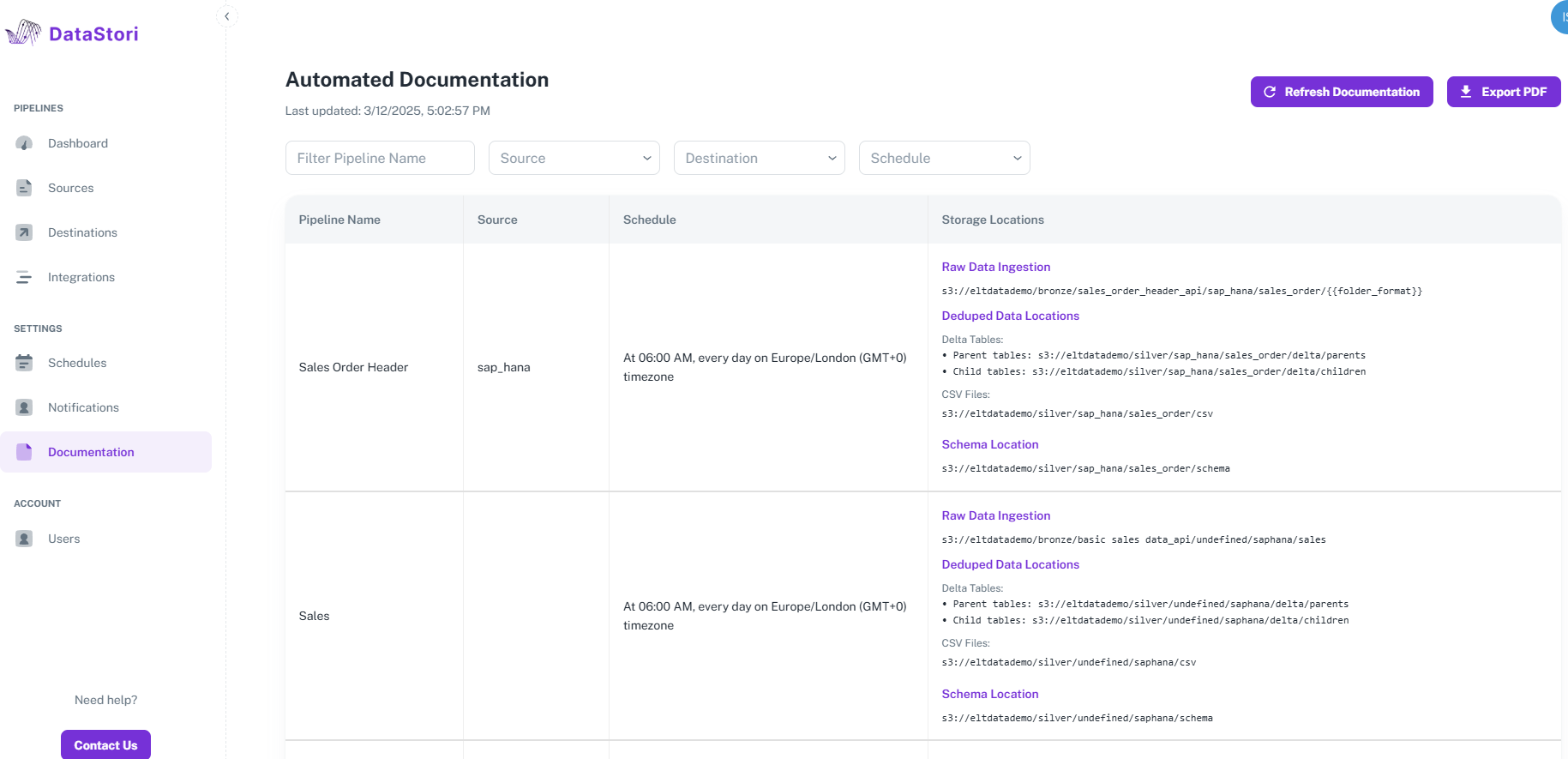
7. Pipeline Monitoring and Documentation
Dashboard
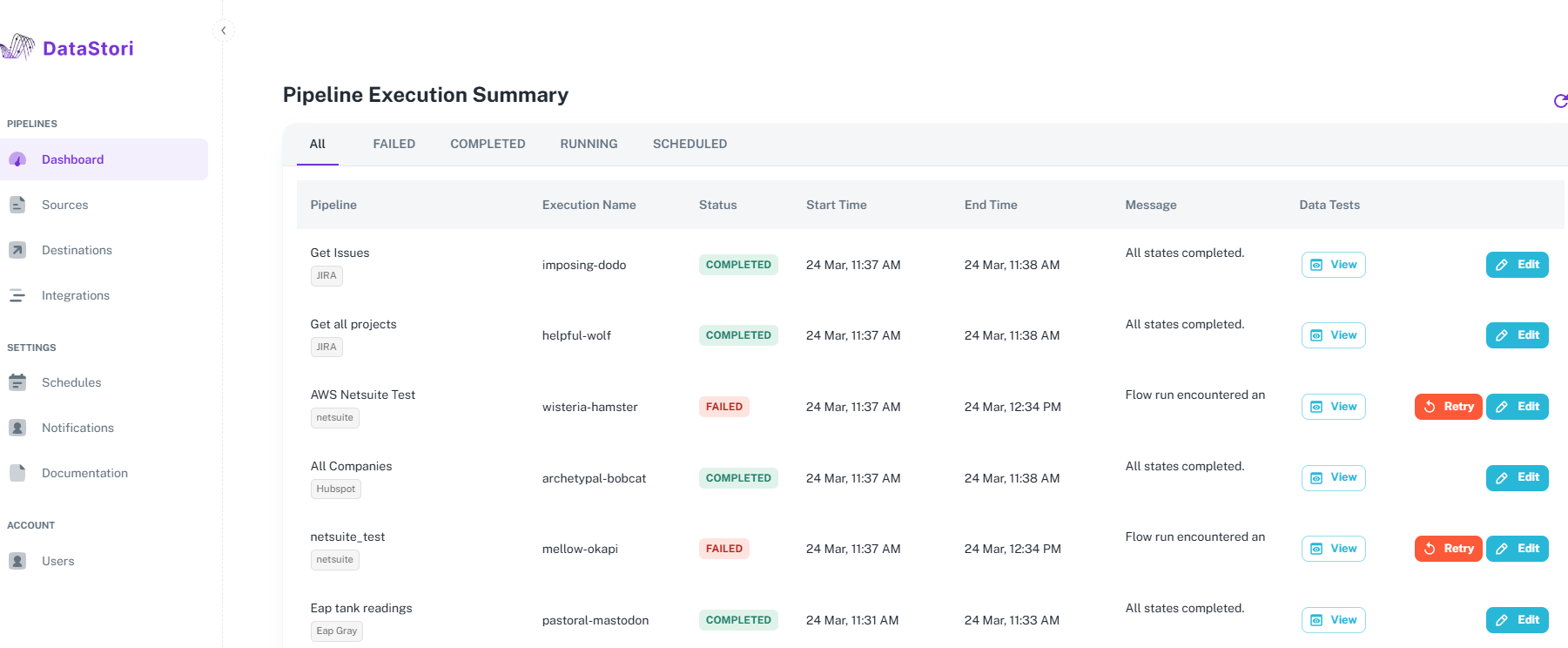
Users can view pipeline execution status in the dashboard. Any failures (with reasons) are reported in the dashboard.
In addition to completed and failed runs, users can view scheduled and in-progress pipeline runs.
Failed runs can be retried from within the dashboard.
Pipeline Failure Alerts
Under Settings > Notifications, users can add email IDs to receive failure alerts. Failure alert emails contain the error reason.
Pipeline Documentation
Under Settings -> Documentation, all pipelines are auto-documented and updated in real-time with the details of pipeline name, data source, schedule and storage locations.